
MetaMask is the world's leading self-custodial crypto wallet and gateway to decentralized finance, built by Consensys.
Read all articles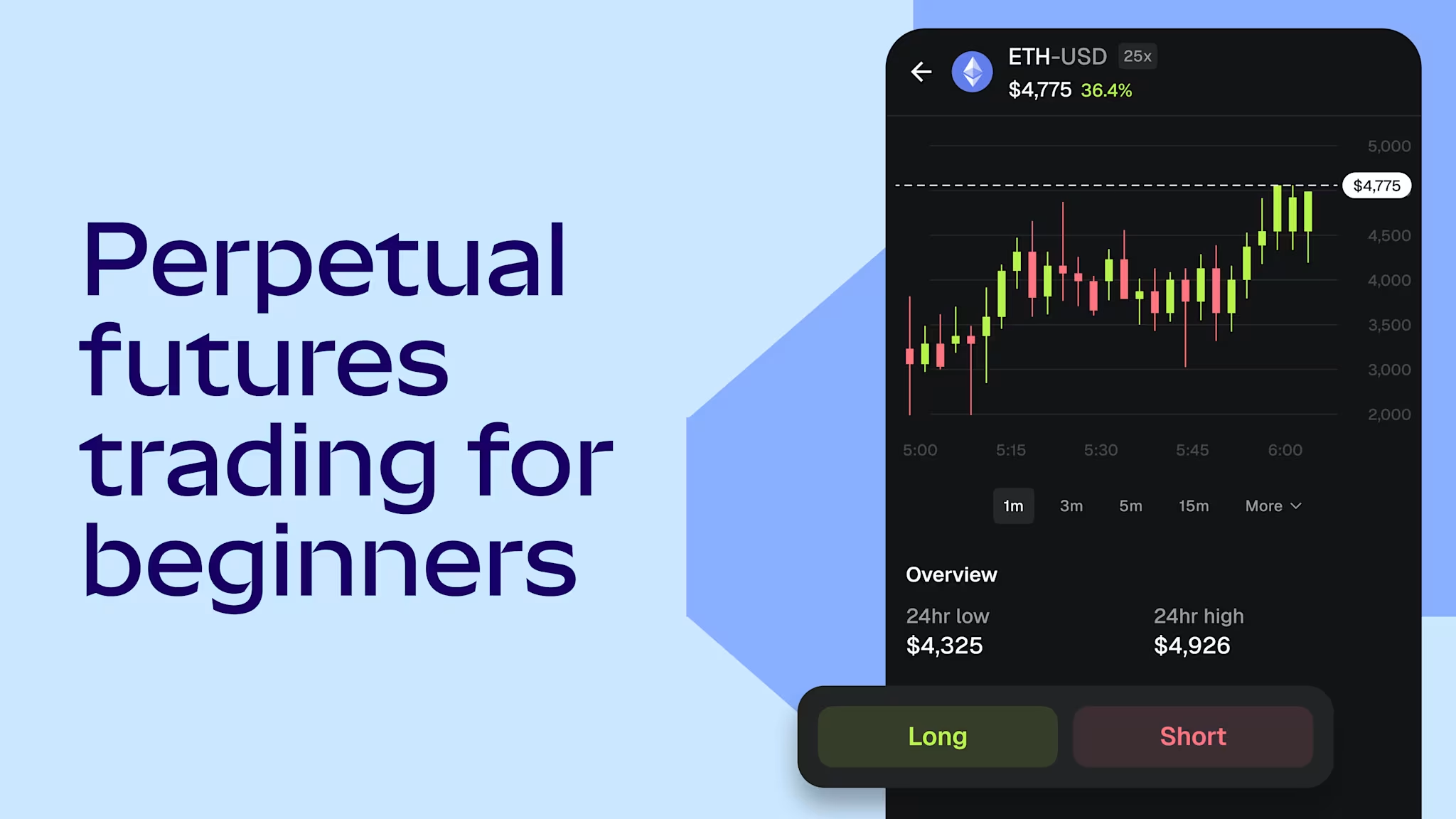
Key takeaways
Perpetual futures are a way to trade on the price of an asset without buying it.
Unlike traditional futures, perps never expire—they use a recurring payment called the funding rate to stay aligned with the market price.
Leverage lets traders control larger positions with less capital, but amplifies losses just as much as gains.
Perps carry a high risk of total collateral loss and are not suitable for all participants.
Perpetual futures—usually just called perps—are a way to trade on the price of crypto or digital assets without actually buying it. If a trader thinks ETH will rise, they can open a position that profits when it does. If they think it will fall, they can open a position that profits from the decline. No token changes hands either way.
Two features set perps apart from simply buying and holding. First, they let traders borrow to trade bigger, a concept called leverage, which magnifies both profits and losses. Second, perps never expire. A position stays open as long as there's enough collateral behind it.
This guide explains how all of that works: what perps are, how a trade is structured, what the costs and risks look like, and what happens when a position goes wrong. For a foundational overview, see key perpetual futures concepts.
Disclaimer: This guide is for educational purposes only. It is not financial advice, not a solicitation, and not for UK audiences. Perpetual futures carry a high risk of loss, including the total loss of deposited collateral, and are not suitable for all users.
Why perpetual futures exist
Crypto markets run 24/7. Traditional futures were designed for markets that close overnight and on weekends. They have fixed expiration dates that force traders to close or roll their positions on a schedule. That creates costs, timing pressure, and friction.
Perpetual futures remove that friction. A perp never expires, so a position can stay open indefinitely. The trade-off is a small recurring cost called the funding rate—a payment exchanged between traders on opposite sides of the market, typically every eight hours, that keeps the perp price aligned with the actual market price of the asset.
The result is an instrument that works like a futures contract but trades more like a spot position: continuous, no rollovers, no forced settlement dates.
How a perpetual futures trade works
A perp trade comes down to three decisions:
Which direction: A trader who expects the price to rise opens what's called a long position. A trader who expects it to fall opens a short position.
How big, and how much leverage: The trader deposits collateral—called margin—which are the funds used to open the position. Leverage determines how much exposure that collateral controls. At 5x leverage, $1,000 in margin controls a $5,000 position. That means both profits and losses are five times larger than they would be without leverage. For a detailed breakdown of how leverage, margin requirements, and tiered margin systems work, see leverage and margin in perpetual futures trading.
How to manage risk: Two order types help control outcomes. A stop loss automatically closes the position if the price moves too far in the wrong direction, limiting losses. A take profit automatically closes it when the price hits a target, locking in gains. Without these, a leveraged position can lose value faster than expected during volatile markets. For more info about how stop loss, take profit, and other order types work—including stop market vs stop limit and trailing stops—see crypto order types.
On MetaMask Perps, both take profit and stop loss can be set when opening a position, and the platform is designed so that losses are limited to the deposited collateral under normal market conditions—though extreme scenarios such as auto-deleveraging may affect outcomes.
Once open, the position is subject to funding rate payments at regular intervals. When the perp price is above the market price, traders on the long side pay traders on the short side. When it's below, the reverse happens. This keeps the perp price from drifting away from reality. For more on how funding frequency and rate calculations affect trading costs, explore an overview of perpetual futures funding frequency and strategies.
How perps differ from spot trading
Spot trading means buying and owning the actual asset. A spot ETH purchase puts real ETH in a wallet. There's no leverage, no risk of forced closure, and no ongoing funding cost. The position lasts as long as the holder wants. Spot is typically used for long-term holding and participation in onchain activities like staking.
Perps work differently. There's no ownership, just a contract that tracks the price. Leverage is available, which means larger exposure from less capital, but also larger losses. And positions carry an ongoing cost (the funding rate) that doesn't exist in spot.
Consideration | Spot | Perpetual futures |
Own the asset | Yes | No |
Expiration | None | None |
Leverage | No | Yes |
Profit from falling prices | No | Yes |
Forced settlement | No | No |
Ongoing cost | None | Funding rate |
For a three-way comparison that includes traditional futures, check out key perpetual futures concepts. For a deeper look using Bitcoin as a case study, see perpetual futures vs spot Bitcoin.
A worked example of perps trading
Here's a hypothetical scenario showing what happens to a long position as the price moves.
A trader deposits $100 as collateral and opens a long ETH position at 5x leverage. That $100 controls $500 of exposure, with ETH priced at $2,000.
ETH rises 10% to $2,200: The position gains $50. The trader's $100 is now worth $150—a 50% return on the deposited collateral.
ETH falls 10% to $1,800: The position loses $50. The trader's $100 drops to $50.
ETH falls 20% to $1,600: The position loses $100—everything the trader put in. At or before this point, the position is automatically closed. This is called
The pattern: a 10% move in the asset becomes a 50% move in the collateral at 5x leverage. That's the core dynamic. Leverage doesn't change the market—it changes how much of the trader's money is at stake for any given move.
Understanding the risks of perps trading
Liquidation: If losses eat through the deposited collateral past a minimum threshold (called the maintenance margin), the platform forcibly closes the position. Higher leverage means a smaller price move triggers this. At 50x leverage, roughly a 2% adverse move is enough. Liquidation is calculated against the mark price—an aggregated reference price designed to resist manipulation. For a full walkthrough of how liquidation works, including cascading liquidations and auto-deleveraging, see perpetual futures liquidation mechanics.
Leverage | Approximate adverse move to liquidation |
2x | ~50% |
5x | ~20% |
10x | ~10% |
25x | ~4% |
50x | ~2% |
Exact thresholds depend on the platform's maintenance margin rate and margin mode.
Funding costs: Holding a perp position over hours, days, or weeks means accumulating funding payments. During periods of strong directional sentiment, funding rates can compound into a material cost that is easy to underestimate—at elevated rates, a week of holding can cost several percent of notional value in funding alone, separate from any price movement.
Volatility: Crypto markets move fast. During sharp drops, liquidation of heavily leveraged positions can accelerate the move further—one forced closure triggers the next in a cascade. This can catch even well-collateralized positions.
Margin mode: Most platforms offer two ways to allocate collateral. Isolated margin means only the collateral assigned to a specific trade is at risk—if that trade is liquidated, the rest of the account is untouched. Cross margin means the entire account balance backs all open positions, which provides more cushion but also means one bad trade can drain everything. For a full comparison, see cross vs isolated margin in perpetual futures.
Counterparty and platform risk: The exchange or protocol processing the trade carries its own risks—smart contract vulnerabilities in decentralized protocols, or the risk of a centralized exchange freezing withdrawals. For a structured approach to tracking funding rate trends, open interest, and other positioning signals before and during a trade, see how to monitor funding rate trends in perpetual futures.
- MetaMask

- GUIDES

Bitcoin vs Ethereum: what's the difference?
Bitcoin and Ethereum are the two largest crypto blockchain networks, but they were built for different purposes. Explore how they compare.
- DEVELOPERS
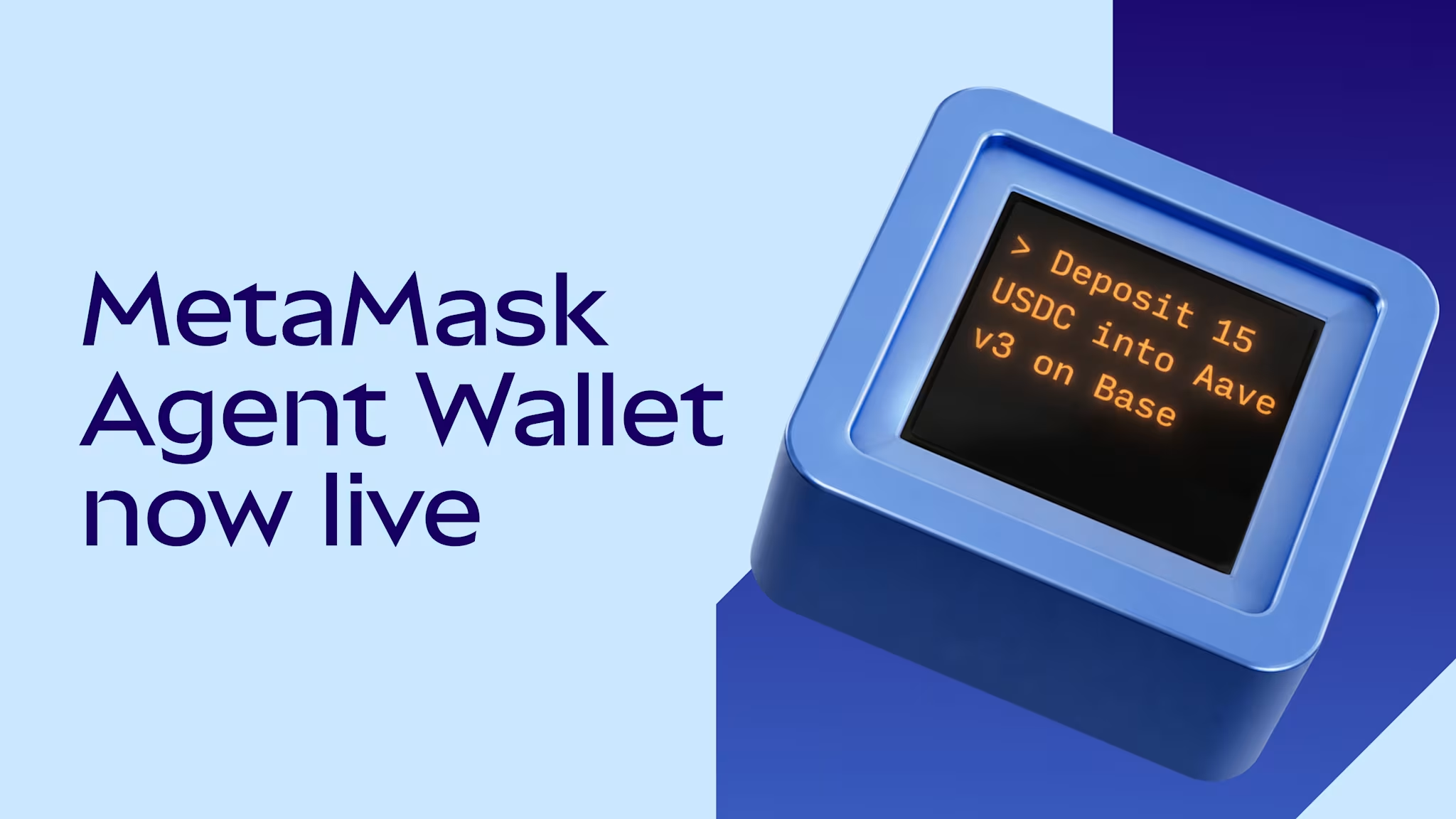
MetaMask Agent Wallet is now live
Set spend limits, allowlist protocols, and pick Guard Mode or Beast Mode, then let your agent execute behind threat scanning and MEV protection. No native gas token needed.
- GUIDES
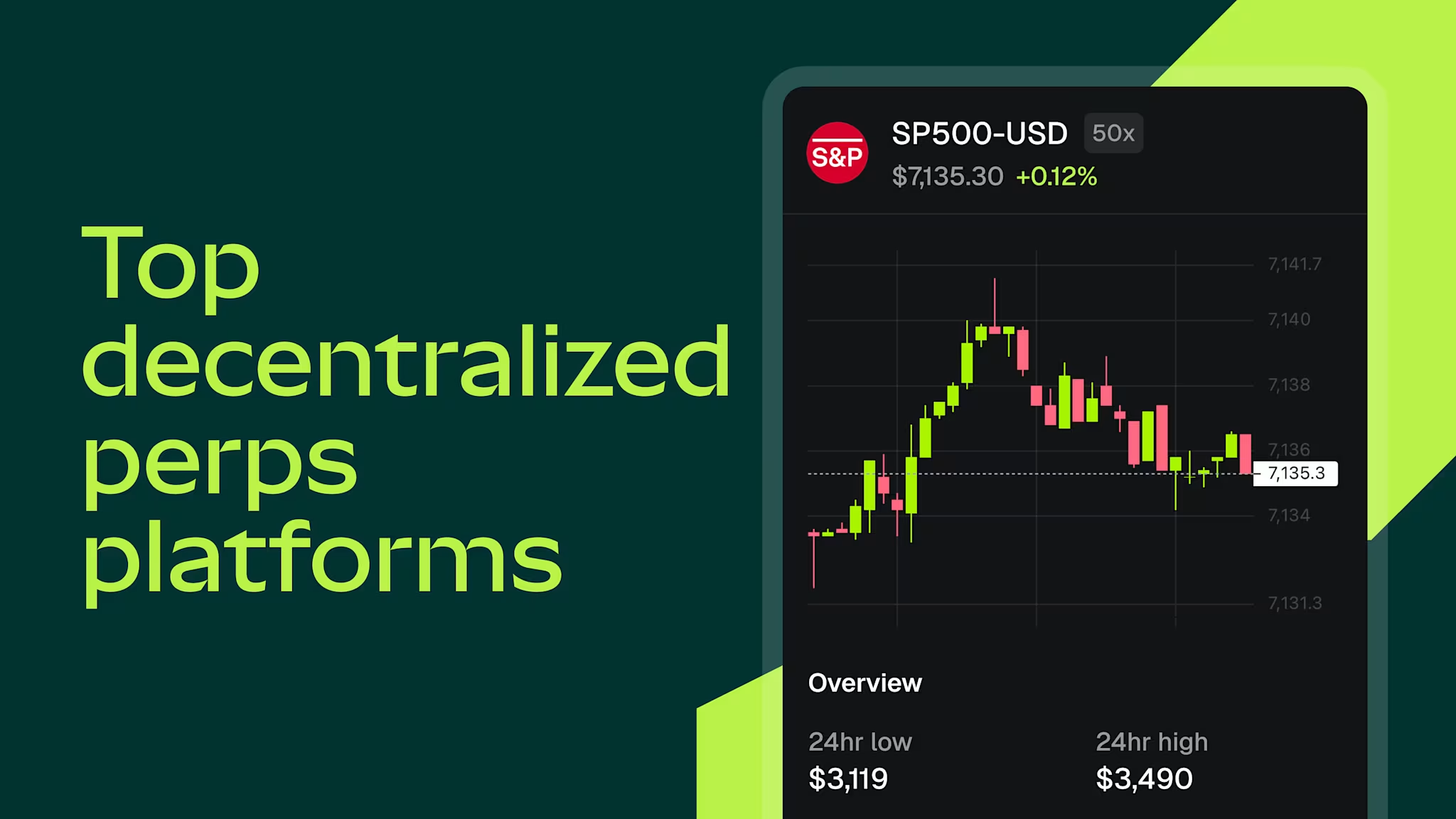
Top perps DEXs in 2026
Top perps DEXs in 2026 Excerpt: Hyperliquid, Aster, Lighter and more: how the leading onchain perps venues compare on volume, fees, and design.
