
MetaMask, ранее известная как Consensys Software Inc, — крупнейшая в мире самостоятельная финансовая платформа, предоставляющая людям единое место для хранения, расходования, накопления и приумножения средств как в криптовалюте, так и в традиционных активах. Компания создаёт потребительскую платформу, объединяющую платежи, сбережения, инвестиции и цифровые активы в едином бесшовном опыте. Вырастая из самого широко используемого в мире self-custodial кошелька, MetaMask предоставляет пользователям прямой контроль над их деньгами и активами, охватывая около 190 стран. MetaMask сыграл основополагающую роль в развитии Ethereum с 2016 года. Сегодня MetaMask занимает центральное место в экономике блокчейна, создавая операционную систему для Open Money и предоставляя людям полный контроль над их финансовой жизнью.
Читать все статьи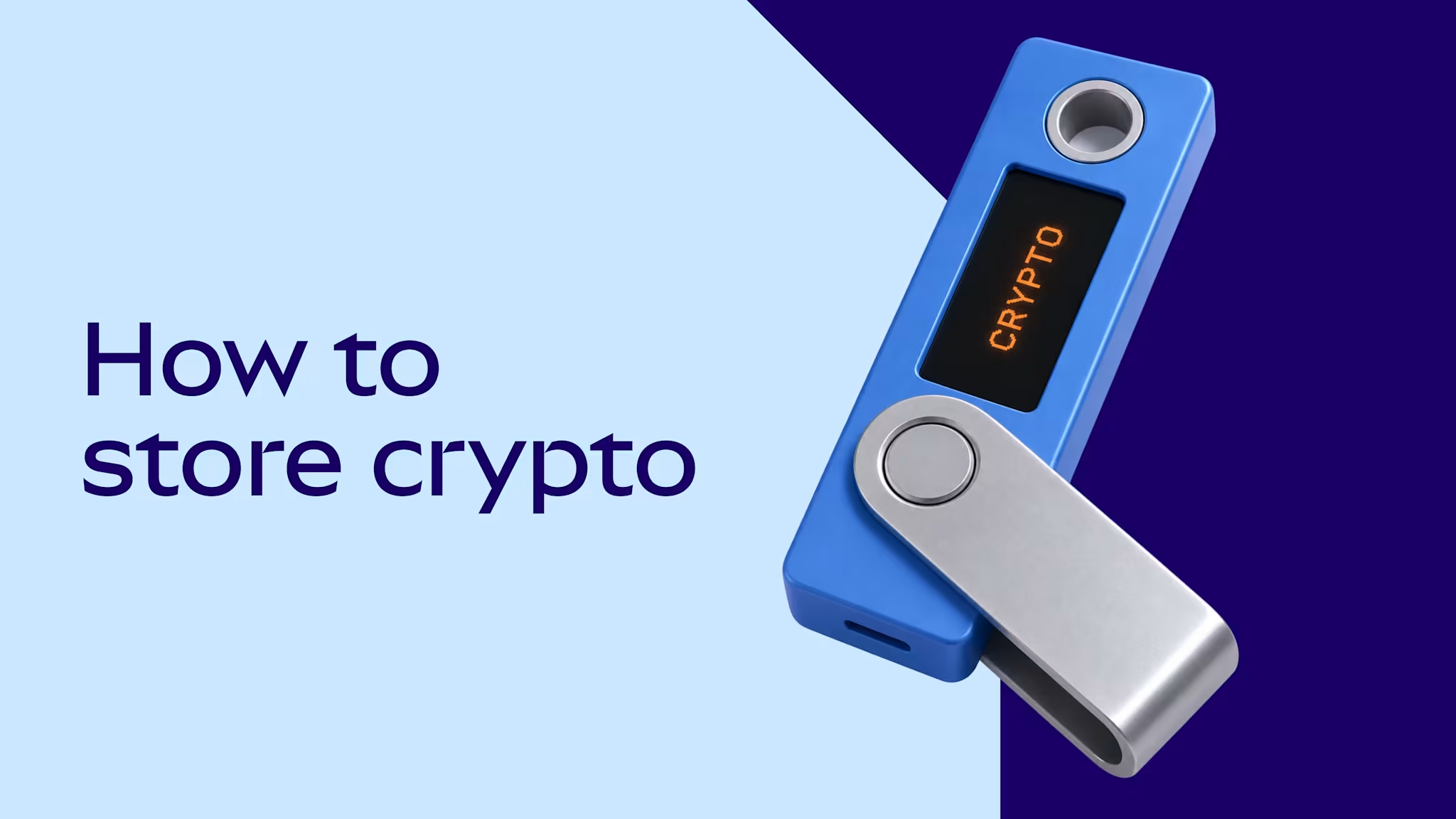
There are 3 common ways to store crypto: a hardware wallet, a software wallet, or an account on a centralized exchange. A hardware wallet keeps Private Keys on an offline device, which protects against remote theft; connecting it to a software wallet that simulates and screens each transaction adds protection at the moment of signing, which hardware alone doesn’t provide. A self-custodial software wallet is an app on a phone or computer that gives its owner sole control of their funds and Private Keys. A centralized exchange account is also online, but the exchange holds the funds and keys as a custodian on the customer's behalf. This guide compares hardware wallets, software wallets, and centralized exchange accounts by features, fees, accessibility, recovery, and risk.
Disclaimer: This content is for educational purposes only. It is not financial, legal, or security advice, not a solicitation, and not for UK audiences. Crypto assets are risky and not suitable for all users.
What are the best ways to store crypto?
There are 3 common ways to store crypto, and choosing the best one for you depends on what you’ll use the app or device for.
Hardware wallet. A self-custodial physical device that generates and stores the keys offline. Transactions are signed inside the device, so the keys never touch the connected computer or phone. Many hardware wallet setups are hybrids: the offline device holds the keys and signs, while connected software shows balances, builds transactions, and connects to apps. Hardware wallets are often called cold wallets.
Software wallet. A self-custodial app on a phone or computer. The keys are generated on the device, encrypted, and never sent to the wallet provider. Only the holder can move funds, and only the holder's Secret Recovery Phrase can restore the account. Software wallets are often called hot wallets.
Centralized exchange custody. A custodial account on a centralized exchange, which holds the keys. The account shows a balance, but legally that balance is a claim on the company, which moves the funds on the holder's behalf.
For more info about different wallet types, see what is a crypto wallet.
Hardware wallet vs software wallet vs centralized exchange account: features, fees, and accessibility
Feature | Hardware wallet | Software wallet (self-custodial) | Centralized exchange account (custodial) |
Who controls the account | The owner; keys and PIN are created and stored on the device; transactions are signed offline | The owner; keys are encrypted on the device and never sent to the wallet provider | The exchange; it controls the keys and funds and can freeze the account under its terms of service |
Upfront cost | One-time device purchase; 59–399 for current Ledger and Trezor models | None | None |
Transaction fees | Network fees when transacting; partner fees on swaps and buys in companion apps | Network fees when transacting, though some wallets sponsor them on certain networks (MetaMask pays network fees on eligible transactions on Monad, Sei, and Solana); service fees may apply to swaps, buys, and other in-app features | Network fees on withdrawals; trading, spread, and withdrawal fees set by the exchange |
Identity verification | None | None for the wallet itself; some in-app features from third-party providers, such as buying with a card, may require it | Required; Know Your Customer (KYC) checks with a government photo ID and a selfie at regulated exchanges in the US, UK, and EU |
Apps, swaps, and staking | Limited; buy, sell, swap, and stake through companion apps such as Ledger Wallet and Trezor Suite, or a connected software wallet; each action confirmed on the device | Full; swaps, bridges, and staking built in; connects to onchain apps from a browser or by QR code | Limited to the exchange's own products; staking availability varies by country and US state |
Deposit insurance (FSCS, FDIC, or SIPC) | None | None | Crypto isn't covered by the FSCS, FDIC, or SIPC; some exchanges offer FDIC pass-through cover on US dollar cash balances, up to $250,000 [LINK NEEDED] |
Recovery if access is lost | Restore on a new device from the recovery phrase; funds are lost if the phrase is lost | Restore on any compatible wallet from the Secret Recovery Phrase; some wallets add an encrypted device or cloud backup | Password reset and identity verification through the exchange |
Setup time | Longest; device delivery, PIN, and an offline backup of the recovery phrase | Minutes; app install and a backup of the Secret Recovery Phrase | Minutes to days, depending on KYC review |
Self-custody (hardware and software) removes dependence on a company but makes the owner fully responsible for the backup. Exchange custody is the only option with password-style recovery, and the only one where a third party can halt withdrawals, control funds, or freeze the account.
Which crypto storage setup is best?
User type | Common setup | Key features | Key risk |
Beginner with a small balance | Software wallet with built-in security alerts such as MetaMask, or an exchange account with two-factor authentication (2FA) | Quick setup; built-in scam warnings or password recovery while learning | Losing the Secret Recovery Phrase (wallet); account takeover or freeze (exchange) |
Regular app user (swaps, staking, prediction markets) | Self-custodial software wallet with transaction simulation, threat alerts, and transfer warnings | Fast signing, with protection at the moment most self-custody attacks happen | Malware on the internet-connected device; approving past a warning |
Long-term holder with a large balance that rarely moves | Hardware wallet bought direct from the manufacturer, with the recovery phrase backed up offline in more than one location | Private Keys never touch an internet-connected device | Recovery phrase exposure; manufacturer or supply chain flaw |
Active crypto user or trader with a large balance | Hardware wallet vault connected to a software wallet, plus a separate software-only spending account | Offline keys for the vault and transaction screening before every signature | Blind signing on complex contracts; recovery phrase exposure |
High-volume trader | Trading balance on an exchange or in a software wallet; everything else on a hardware wallet | Order-book liquidity or fast decentralized exchange (DEX) access, with exposure capped at the trading balance | Exchange failure or freeze on the trading balance |
Shared, family, or organizational funds | Multisig or smart account requiring several approvals, with hardware wallets as signers | No single key or person can move funds | Smart contract risk; coordination between signers |
For multisig and smart account recovery models, see Most secure crypto wallets in 2026.
Hardware wallet vs software wallet vs centralized exchange account: risks compared
Risk | Hardware wallet | Software wallet | Centralized exchange account |
Stolen password or code | Not exposed; the PIN only works on the physical device | Limited; the app password only unlocks the wallet on that device and can't be used remotely. Reduced by a strong password plus biometric unlock | Exposed; SIM swaps (an attacker moving a phone number to their own SIM card) and phished codes give access from anywhere. Reduced by 2FA through an authenticator app, passkey, or security key |
Device theft | Limited; funds are exposed if the recovery phrase is stored with the device. Reduced by a PIN that wipes the device after 3 wrong tries on Ledger, or 10–16 on Trezor | Limited; a thief who knows the phone passcode may open the wallet. Reduced by a separate app password and biometric unlock | Limited; open sessions on an unlocked phone. Reduced by the phone lock, 2FA, and an account lock through support |
Hack or remote attack | Limited; firmware flaws, such as the 2026 Coldcard bug. Reduced by Secure Element chips, firmware updates, and following manufacturer advisories | Exposed; malware on the phone or computer, such as infostealers that copy wallet data and clipboard hijackers that swap copied addresses. Reduced by keys encrypted behind the wallet password, plus transfer warnings for unfamiliar addresses | Exposed; platform hacks the customer can't control, such as the $1.5 billion Bybit theft in 2025. Reduced by the exchange keeping most funds in offline storage |
Account freezing | Not exposed | Not exposed | Exposed; freezes during KYC and anti-money laundering (AML) reviews, outages, or insolvency. Reduced by keeping only a trading balance on the exchange |
Lost password or PIN | Limited; reset the device and restore from the recovery phrase. Funds are lost if the phrase is lost too | Limited; restore from the Secret Recovery Phrase, since the wallet provider can't reset the password. Funds are lost if the phrase is lost too | Limited; recovery through email, 2FA, and identity verification can take days if 2FA is lost |
Romance or investment scam | Exposed; the device signs whatever the owner approves, including transfers to pig butchering scammers (long-con fraud that builds trust before asking for funds) | Exposed; warnings can be clicked past. Reduced by transfer warnings that flag known scam addresses and patterns | Exposed; crypto sent to a scammer usually can't be reversed. Reduced by fraud monitoring that may hold suspicious withdrawals |
Phishing | Exposed; typing the recovery phrase into a fake site, or blind signing a malicious approval. Reduced by reading each transaction on the device screen | Exposed; wallet drainers that trick the owner into signing approvals. Reduced by security alerts that block known phishing sites and malicious contracts | Exposed; fake login pages and fake support agents. Reduced by 2FA and withdrawal address allowlists |
Supply chain attack (tampered device or fake app) | Exposed; implants added by unauthorized or compromised resellers, as in the 2026 CryptoBilis case. Reduced by buying direct and running the manufacturer's authenticity check, such as Ledger's Genuine Check | Exposed; fake wallet apps; Reduced by official download links and verified publishers | Exposed; fake exchange apps and lookalike domains (typosquatting). Reduced by official apps and bookmarked web addresses |
Company failure | Not exposed for funds; the device keeps working from the recovery phrase even if the manufacturer closes | Not exposed for funds; the Secret Recovery Phrase restores the wallet in any compatible app | Exposed; balances become claims in bankruptcy (see below) |
How to avoid fake apps and tampered hardware wallets
Always make sure you are buying a device directly from the manufacturer, or downloading a software wallet, app, or exchange account directly from the company’s official website. Remember:
Never use a device that arrives with a recovery phrase already set up.
Only buy hardware wallets directly from the manufacturer's website, and always rigorously check the website address matches exactly.
Only download apps through links via the official website and always rigorously check the website address matches exactly; don’t use search engine ads, app store links, or any third-party website.
Keep device firmware and wallet apps updated to the latest version, and follow manufacturer security advice.
Never share a recovery phrase, Private Key, or password with anyone who asks for it, even by an email or message that looks official.
How secure is a software wallet in 2026?
As of 2026, losses and hacks typically come from user error, rather than from a flaw in the wallet software itself. When choosing a self-custodial software wallet, it’s important to ensure that the app has advanced security settings. For example, MetaMask has the following built-in features and protections:
Transaction simulation, with clear, readable signing info
Phishing detection and prevention
Real-time takedowns of malicious addresses, sites, and apps
MEV and front-running prevention
Romance and investment scam prevention
Address poisoning detection
Supply chain attack prevention with LavaMoat
Independent audits, a public bug bounty, and independent security rankings
What are the risks of keeping crypto on a centralized exchange?
Risk | Can holders lose funds? | Can holders lose access? | Can holders prevent it? |
Platform hack | Exchange dependent; Some exchanges cover hack losses from their own reserves; Others pass losses on to customers, sometimes through repayment plans approved by a court | Yes; Withdrawals may be paused while the exchange investigates an incident; Restructuring after a major hack can take more than a year | No |
Insolvency (bankruptcy) | Yes; Balances become claims in bankruptcy, often valued on the filing date; Customers repaid at prices from the filing date miss any later market rally | Yes; Withdrawals stop at the filing; Payouts can take more than two years | Limited; Read the terms first; Some earn or yield terms transfer ownership of deposits to the platform, which a court can treat as company property |
Withdrawal freezes and limits | Limited; A freeze alone doesn't take funds; A freeze shortly before a failure can lock them in until bankruptcy proceedings end | Yes; Exchanges can pause withdrawals under their terms of service; Some freezes stay in place through a bankruptcy | No |
Market or country exit | Limited; Funds stay withdrawable during the notice period; Open positions and staked assets may need closing first | Yes; Accounts switch to withdrawals only, then close; Notice periods can be as short as about a month | No |
Account takeover and data leaks | Yes; Leaked customer data fuels impersonation scams that trick users into sending crypto; Some exchanges reimburse customers who were tricked, but reimbursement isn't guaranteed | Limited; Exchanges can add ID checks or lock flagged accounts; Access returns only after the exchange's review | Limited; Never share passwords, 2FA codes, or ID documents with anyone who makes contact first |
Часто задаваемые вопросы о хранении криптовалюты

Переведено ИИ. Может содержать ошибки. Пожалуйста, всегда проверяйте информацию.
- ПОСЛЕДНИЕ
MetaMask запускает Money Account — DeFi-доходность и глобальные расходы для стейблкоин-балансов
Впервые пользователи могут зарабатывать до 6% годовых (APY)* на балансах стейблкоинов и совершать покупки у сотен миллионов продавцов с единого self-custodial счёта на базе Monad.
- РУКОВОДСТВА

Лучшие мобильные криптокошельки 2026 года
Сравните ведущие мобильные криптокошельки для iOS и Android.
- РУКОВОДСТВА
Стейблкоин vs банковский счёт
Стейблкоины и банковские счета хранят фиатную стоимость, но работают на разной инфраструктуре. Это руководство объясняет различия в защите, доходности, скорости переводов и доступности.

