
MetaMask, formerly Consensys Software Inc, is the world's largest self-custodial financial platform, giving people a single place to hold, spend, save and grow their money across both crypto and traditional assets. The company is building the consumer platform where that happens, bringing payments, savings, investing and digital assets together in one seamless experience. Having grown from the world's most widely used self-custodial wallet, MetaMask gives users direct control over their money and assets, with reach across approximately 190 countries. MetaMask has played a foundational role in Ethereum's growth since 2016. Today, MetaMask sits at the center of the blockchain economy, building the operating system for Open Money and putting people in full control of their financial lives.
Read all articles
A token approval is a smart contract permission that allows a decentralized app (aka dapp) to access and move a specific type of token from a wallet. Without an approval, no app can touch the tokens in a self-custodial wallet, even if the wallet is connected to the app's interface. The approval is what bridges the gap between connecting a wallet and actually letting a protocol use the assets inside it.
Token approvals are necessary for nearly every DeFi interaction: swapping tokens on a decentralized exchange, depositing into a lending protocol, adding liquidity to a pool, or listing an NFT on a marketplace. They're also one of the most exploited mechanics in crypto security. MetaMask's monthly crypto security reports track these threats in detail. For example, the February 2026 Crypto Security Report covered a 207% rise in “signature phishing” exploits, aka approval phishing. Understanding what token approvals do, how they persist, and how attackers can exploit them is essential for anyone using a self-custodial wallet.
Disclaimer: This content is for educational purposes only. It is not financial advice, not a solicitation, and not for UK audiences. Crypto wallets and digital assets are risky and not suitable for all users.
How token approvals work
Here's a common example of token approvals: swapping USDC for ETH on a decentralized exchange. The app's smart contract needs permission to take the USDC from the wallet and execute the trade. That permission is the token approval.
At the contract level, the user calls a function called approve() on the USDC token contract. This function takes two inputs: the spender (the smart contract address that's being authorized) and the amount (how many tokens the spender is allowed to move). Once the approval transaction is confirmed on the blockchain, the spender contract can call transferFrom() to move up to the approved amount of that token from the user's wallet—without any further confirmation from the user.
There are two important details about token approvals that everyone, especially beginners, should be aware of. First, the approval is specific to one token and one spender. Approving a decentralized exchange (DEX) to spend USDC does not give it access to ETH, BTC, or any other token. Second, the approval is a blockchain transaction that costs network fees—it's a separate step from the actual swap, which is why DeFi interactions often require two confirmations: one to approve, one to execute.
Limited vs unlimited approvals
The amount field in an approval determines how many tokens the spender can access.
A limited approval authorizes the spender to move only a specific number of tokens—say, exactly the 500 USDC needed for a particular swap. Once those 500 USDC are transferred, the allowance is used up. The next swap will require a new approval, which means another blockchain transaction and another network fee.
An unlimited approval authorizes the spender to move the maximum possible amount of that token (technically, 2^256 − 1, a number far larger than the total supply of any token). This means the contract can access the user's entire balance of that token, now and in the future, without ever needing another approval. Most apps default to requesting unlimited approvals because it reduces friction for the user—one approval and every future transaction with that token is pre-authorized.
The convenience is real, but so is the risk. An unlimited approval never expires. If the contract it was granted to is later exploited, upgraded maliciously, or if the user signed the approval on a phishing site that mimicked a legitimate app, the attacker can drain every token the approval covers without any further interaction from the user. The victim may not even realize the approval exists until the tokens are gone.
Consideration | Limited token approval | Unlimited token approval |
Amount authorized | Specific (e.g., 500 USDC) | Maximum possible (entire balance, indefinitely) |
Persistence | Consumed after the specified amount is transferred | Remains active until manually revoked |
User friction | New approval needed per transaction (additional network fees) | One approval covers all future transactions |
Risk if contract is exploited | Loss capped at the approved amount | Entire token balance at risk |
Common usage | Security-conscious users, high-value transactions | Default for most apps |
How Permit2 token approvals work
In November 2022, Uniswap Labs deployed a contract called Permit2 to address the friction and risk of traditional token approvals. By 2025, more than 3.1 million Ethereum mainnet addresses had authorized the Permit2 contract, and it had become the most widely integrated approval system in DeFi, used by Uniswap, 1inch, CowSwap, and many other protocols.
The core idea: instead of granting a separate blockchain approval to every app's smart contract, the user grants a single approval to the Permit2 contract. From there, each individual app interaction is authorized through an offchain signature, a message signed in the wallet that specifies which tokens, how many, which spender, and a deadline after which the permission expires.
The improvements over legacy approvals are meaningful. Permit2 signatures include deadlines, so stale permissions expire automatically rather than persisting forever. Nonces prevent the same signature from being used twice. And the user signs one approval per token rather than one per app, reducing the total number of blockchain approval transactions and their associated network fees.
The tradeoff is a shift in attack surface. Legacy approvals were exploited through dormant blockchain permissions—contracts that had been approved months or years ago and were later compromised. Permit2 signatures are exploited through phishing at the moment of signing. Because Permit2 authorizations use EIP-712 typed data signatures, they appear in the wallet as a signing prompt rather than a transaction confirmation. A malicious site can present what looks like a routine "sign this message" request that is actually a Permit2 signature authorizing the transfer of the user's entire token balance. No blockchain transaction. No network fee from the user's side. Just a signature, and then the attacker calls transferFrom().
How drainers exploit token approvals
Wallet drainers are automated phishing toolkits designed to extract token approvals—both legacy and Permit2—from victims. They operate as drainer-as-a-service (DaaS): a developer maintains the malicious smart contracts, phishing infrastructure, and fund laundering pipeline, and affiliates rent the service for a share of stolen funds (typically keeping 75–95% of what they drain).
Wallet drainer attack patterns frequently follow a consistent sequence:
Step 1: Lure. The victim reaches a phishing site through a sponsored search result, a fake airdrop link, a compromised Discord server, or a cloned app interface. The site looks like a legitimate protocol: same branding, same layout, often a near-identical URL.
Step 2: Signature request. The site prompts the wallet to sign a transaction or Permit2 signature. The prompt may look like a standard app connection, a token swap, or an airdrop claim. In reality, the signature authorizes the drainer's contract to move the victim's tokens.
Step 3: Drain. The attacker calls transferFrom() from a separate wallet, pulling the approved tokens. Sophisticated drainer kits batch multiple token transfers—ERC-20s, NFTs, and Permit2 authorizations—into a single multicall, emptying the wallet in seconds. Funds are routed through decentralized exchanges and cross-chain bridges to obscure the trail.
The critical detail: from the blockchain's perspective, every step is a valid, authorized transaction. The victim signed the approval. The contract executed what it was authorized to do. There is no protocol-level mechanism to reverse it.
Some wallets now simulate transactions and signatures before the user confirms them, flagging known drainer contracts and suspicious approval amounts. MetaMask does this through its integration with Blockaid. This doesn't eliminate the risk—a novel drainer contract may not yet be in any detection database, but it adds a layer between the phishing prompt and the user's confirmation.
How to review and revoke token approvals
Revoking a token approval means setting the allowance for a specific spender back to zero. It's a blockchain transaction; it costs network fees and must be confirmed in the wallet, but it permanently removes that contract's ability to move the specified token.
Three concepts matter:
When to revoke. After finishing with an app and not planning to return. After granting an unlimited approval that's no longer needed. After any interaction that felt suspicious—even if nothing was immediately lost. As a routine practice: periodic reviews of active approvals catch permissions that have outlived their purpose.
What revocation costs. Each revocation is a separate blockchain transaction with its own network fee. On Ethereum mainnet, this typically costs a few dollars; on layer 2 networks, it can be fractions of a cent. The cost is small relative to the potential loss from a compromised approval, but it adds up if dozens of approvals have accumulated over months of DeFi activity.
What revocation doesn't fix. Revoking an approval prevents future transfers under that permission. It cannot reverse a transfer that has already occurred. If a drainer has already called transferFrom(), the tokens are gone. Revocation is preventive, not corrective.
For step-by-step instructions on reviewing and revoking approvals in a self-custodial wallet, see MetaMask's how to revoke smart contract allowances.
How to reduce token approval risk
A few practices reduce exposure without eliminating the convenience of DeFi interaction.
Set limited approvals when the option exists. For example, MetaMask Extension displays the requested approval amount and lets users customize the spending cap before confirming. Setting the cap to the amount actually needed for the transaction limits the downside if the contract is later compromised.
Read the signing prompt. Permit2 signatures display token name, amount, spender address, and deadline. If a "sign message" prompt shows token details, it's not a login—it's an authorization. If the amount matches the user's full balance rather than the expected transaction size, that's a red flag.
Verify the site before connecting. Drainer sites replicate legitimate app interfaces. Bookmarking trusted URLs and navigating from bookmarks—rather than from search results, social media links, or DMs—removes the most common lure mechanism.
Review approvals periodically. Active approvals accumulate over months of DeFi use. A quarterly review using a block explorer's approval checker or the spending caps dashboard catches permissions that no longer serve a purpose.

- LATEST
Introducing MetaMask Transaction Shield
Get Transaction Protection and priority support for added peace of mind.
- LATEST
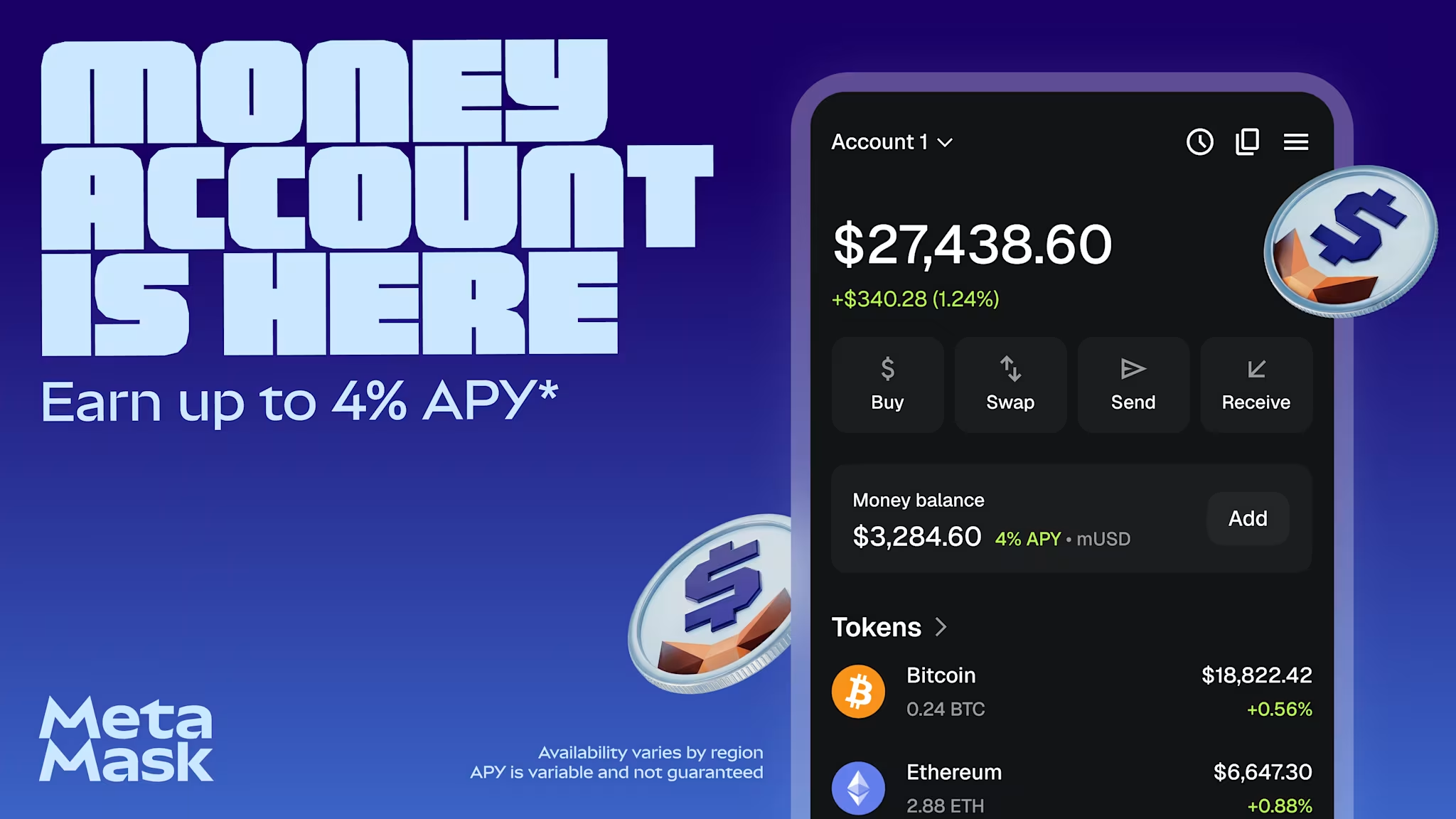
MetaMask launches Money Account, bringing DeFi yield and global spending to stablecoin balances
For the first time, users can earn up to 6% variable APY* on stablecoin balances and spend at hundreds of millions of merchants from a single self-custodial account, built on Monad.
- GUIDES

Top mobile crypto wallet apps in 2026
Compare the leading mobile crypto wallet apps across iOS and Android.
